
Introduction
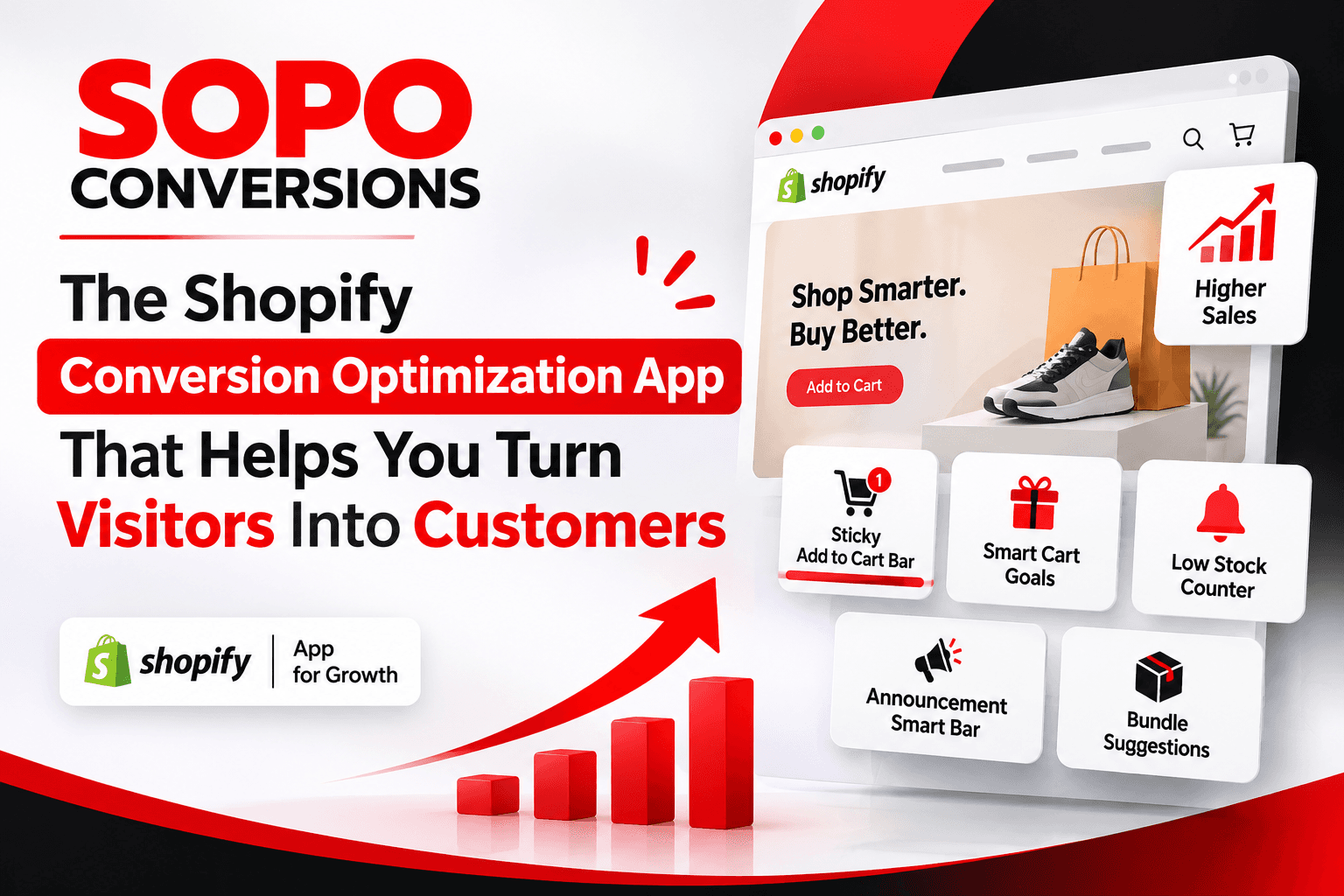
You’ve done the hard part of building your store. Your products are great, your store looks good, and traffic is finally coming in. But when you check your numbers, most visitors leave without buying anything from your store. This experience can be frustrating for Shopify store owners, and it’s incredibly common. The good news is that you don’t always need to redesign your website or hire a developer to improve your Shopify store's conversion rate. You need the right Shopify conversion optimization app that makes everything easier, faster and, most importantly, more conversion-ready. That’s exactly what SOPO Conversions is built for. It brings the most useful sales boosters into one app, so you can increase your Shopify conversion rate without juggling five different tools. Let’s look at what’s inside.
What Is a Shopify Conversion Optimization App?
A Shopify conversion optimization app (also called a CRO app) helps more of your existing visitors become paying customers. Instead of spending more on ads to get more traffic, you improve what happens once people land on your store.
That usually means removing friction, building confidence, creating a gentle sense of urgency, and encouraging shoppers to add a little more to their carts. SOPO Conversions does all of this in one place.
Here are some of the key features of SOPO Conversions.
1. Sticky Add to Cart Bar: Keep the Buy Button in Sight
Imagine a shopper reading your product page. They scroll through the photos, the details and the reviews. Now the Add to Cart button is way back at the top.
That tiny bit of effort costs you sales.
The sticky add to cart bar in SOPO Conversions follows shoppers as they scroll, so the button is always one tap away. This feature can be especially helpful on mobile, where product pages tend to be long, and shoppers can miss key details or abandon their cart easily. This sticky add to cart bar makes it easier for shoppers to add their favourite product to their cart with just one click.
No hunting, no scrolling back up, just a clear path to checkout. If you’ve been wondering how a sticky add to cart button increases sales, this is the answer: it removes a small obstacle at the exact moment someone is ready to buy.
2. Smart Cart Goals: Make Spending More Feel Like a Win
Most shoppers like a reward. Smart Cart Goals shows shoppers a live progress milestone, like “Add $12 more to unlock free shipping.”
This simple reward idea works because it turns a plain cart into a small challenge with a clear benefit for them. Customers can see exactly how close they are to a perk, and many will add one more item to get there. For your store, this offers an opportunity to increase average order value (AOV) without discounting your whole store.
You can show cart goals on both product pages and in the cart itself, so customers can see their progress and decide whether to add another item. If you’ve been searching for a free shipping progress bar for Shopify, this does the job and a lot more.
3. Low Stock Counter: Create Honest Urgency
“Only 3 left,” “just 2 remaining” or “last 1 in stock” is one of the oldest tricks in retail, and it still works somehow. Why? Because customers still treat urgency as a decision-making shortcut. It creates fear of missing out on the product.
The low stock counter shows real-time stock levels on your product pages, and shoppers get a friendly reason to decide now instead of “maybe later.”
And because urgency is based on your actual inventory, it feels genuine and builds trust instead of eroding it. It’s one of the simplest ways to create urgency on a Shopify store without sounding pushy.
4. Announcement Smart Bar: Say It Loud, Say It Clearly
Running a sale? Launching a new collection? Shipping cutoff coming up? Your shoppers shouldn’t miss important updates.
The announcement smart bar puts a clean banner at the top of your store, complete with countdown timers. A countdown banner grabs attention and reminds visitors that an offer won’t last forever.
It’s an easy way to make sure nobody misses your big moment and encourages timely purchases.
5. Bundle Suggestions: Help Shoppers Find What Goes Together
Think back to the last time you shopped online and thought, “Oh, I’ll need one of those too.” That’s the idea behind bundle suggestions.
Instead of making customers dig through your catalog to find complementary products, the app recommends related products that pair well with what they’re already viewing.
It feels helpful, not salesy, and it naturally encourages customers to add more products to their cart. Shoppers get a more complete solution, and you get a bigger basket.
Plus: A Smart Popup for the Right Moment
SOPO Conversions also includes a smart popup, so you can share offers or messages at the right point in the shopping journey and keep visitors engaged.
How Much Does It Cost?
Now pricing isn’t a big problem even if you have a low budget. There’s a plan for every stage of your store, and every plan includes access to all features. You never have to pay more for the good stuff. You only move up as your order volume grows.
Basic Plan
Free
All features, analytics and email support, free for up to 15 orders per month. A great way to test things out on a new store.
Starter Plan
$9.99/month
Everything in Basic, up to 30 orders per month, and priority support.
Standard Plan
$14.99/month
Everything in Basic, up to 45 orders per month, and priority support.
Advanced Plan
$24.99/month
Everything in Basic, unlimited monthly orders and priority support.
All paid plans include a 14-day free trial, so you can try the full toolkit on your store before you commit.
Who Is SOPO Conversions Best For?
SOPO Conversions is a great fit for:
- New brands that want to get more from every early visitor.
- Growing stores that want to raise AOV without constant discounts.
- Small stores and busy owners who would rather manage one app than five.
- Mobile-heavy shops where a sticky buy button makes a real difference.
Got Questions?
Frequently Asked Questions
QWhat is the best free Shopify conversion optimization app?
SOPO Conversions is a strong option if you want several tools in one place and to improve the conversion rate. Its free plan includes all features for up to 15 orders per month, and paid plans start at just $9.99 per month as you grow.
QIs there a free trial?
Yes. There’s a free plan for up to 15 orders per month, and the Starter, Standard and Advanced plans all come with a 14-day free trial.
QHow can I increase my Shopify conversion rate without a developer?
Apps like SOPO Conversions let you add a sticky add-to-cart bar, cart goals, a low-stock counter and bundle suggestions from your Shopify admin, with no coding required.
QHow do I increase average order value on Shopify?
Cart goals and bundle suggestions are two of the easiest ways to increase your order value. One shows shoppers how close they are to a reward, and the other recommends products that go well together.
QDoes SOPO Conversions work on mobile?
Yes, and the sticky add to cart bar is especially handy there, since it keeps the buy button within reach on long product pages.
Final Thoughts
Conversion optimization doesn’t have to be complicated or expensive. Often it’s about making the path to checkout clearer, adding a little encouragement, and showing people the right products at the right time.
SOPO Conversions puts all of that into one simple Shopify conversion optimization app, and you can start for free.
Ready to try it? Install SOPO Conversions from the Shopify App Store and see how much more your current traffic can do for you.